
MODULE 5: Drone Flight Simulation and Augmented Reality
 Uzman Eğitmen
About
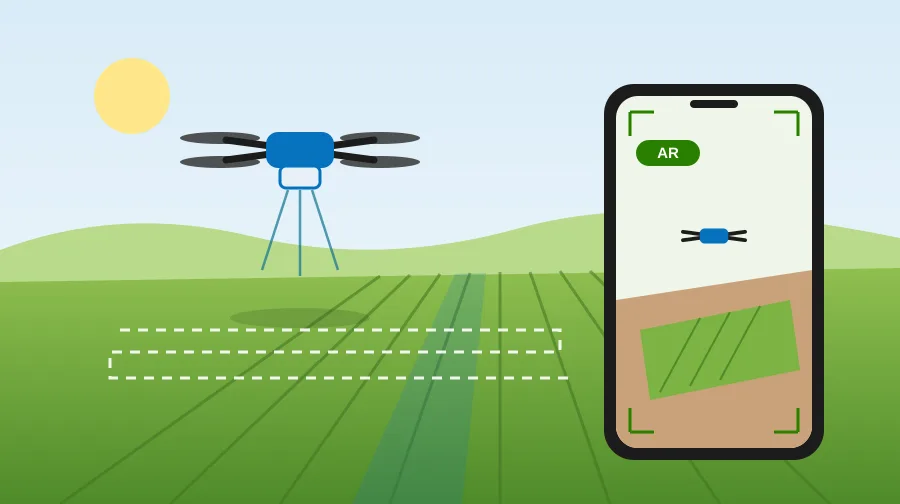
In this module you will try drone work in the field step by step. First you will prepare for a flight and make your first flight. Then you will map a cotton field and carry out spraying without letting any pesticide reach the neighbouring orchard or the irrigation canal. Finally you will read the flight log and fill in the pesticide application record. You fly the mapping and spraying missions on an automatic route; no fine stick control is needed on the phone.
About augmented reality (AR): AR mode opens only in Chrome on Android phones that support ARCore. On iPhone and on computers the AR button does not appear; the problem is the browser, not your phone. Do the same mission in the 3D or 2D view; your score counts the same. The 3D and AR views download about 0.2 MB of extra data once.
This simulation does not replace a pilot certificate or a flight permit. The fields and figures are a training scenario; they are not real measurements. This module can also be used for classroom practice by NGO trainers and in young farmer trainings.
A question awaits you at the end of the module: in your region, which rule for drone spraying is the hardest to apply? You can share your answer in the Digital Advocacy Hub.
What you'll learn
- Apply the check steps in order, from before the flight to after it.
- Recognise the weather and site conditions in which you must not fly.
- Name your drone's class and the registration, licence and permits it needs.
- Calculate the altitude, overlap and line spacing for a mapping flight.
- Choose the time, height and speed for spraying, and prevent spray drift onto neighbours and water.
- Read the flight log and fill in the pesticide application record completely.
Target Audience
- Farmers thinking of using a drone mapping or spraying service
- NGO representatives and trainers
- Young farmers
- Agriculture students
Requirements
- No prior knowledge is needed. The drone and augmented reality lessons in MODULE 3 will make it easier.
- A smartphone, tablet or computer and an internet connection are enough. AR needs an Android phone that supports ARCore; AR is optional.
Curriculum
Section 1: Flight Preparation and First Flight2
- Flight preparation: checklist, rules and documents 11 Minutes
- First flight: free flight 13 Minutes
Section 2: Mapping and Spraying Missions2
- Mapping flight: ground sampling distance and line spacing 16 Minutes
- Spraying: wind, temperature, buffer strips and spray drift 17 Minutes
Section 3: Augmented Reality and Records3
- Mission in AR mode and troubleshooting 13 Minutes
- Flight log and application record 12 Minutes
- MODULE 5 Assessment Quiz 10 Minutes
Frequently Asked Questions
Can I fly a drone after finishing this module?
No. The simulation does not replace a pilot certificate or a flight permit. For a real flight you must follow the registration, licence and permit rules in the current instruction of the Turkish Directorate General of Civil Aviation (SHGM).
The AR button does not appear on my phone. What should I do?
Do the same mission in the 3D or 2D view; your score counts the same. AR opens only in Chrome on Android phones that support ARCore; it does not open on iPhone or on computers.
How much data do the simulations use?
The 2D view downloads no extra data. When you first open the 3D or AR view, a small amount of extra data is downloaded once; the size is given in the course description.
Are the figures in the simulation real?
The drone values come from the manufacturer's manual and are shown with their source in the lessons. The fields, weather conditions and prescription rate are a training scenario; they are not real measurements.
Instructor
Uzman Eğitmen
You might also like
 Smart Technologies
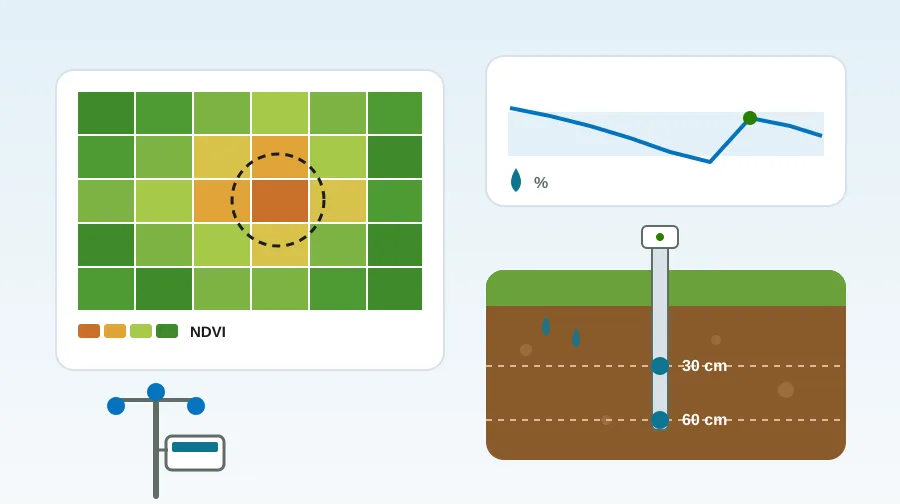
MODULE 6: Farm Data Collection and Management: Hands-on Simulations
Hands-on simulations with a soil moisture sensor, a weather station and a satellite map. You will also learn…
 Precision Agriculture
MODULE 1: Introduction to Precision Agriculture and Sustainability
This training comprehensively covers the fundamental principles of precision agriculture and the concept of sustainable farming. Participants will…
 Smart Technologies
MODULE 2: Smart Farming Technologies and Data Management
This training comprehensively covers the concept of smart farming and the importance of digital transformation in agriculture. Participants…